Showing posts with label flock. Show all posts

Sunday, November 23, 2008

Enable Location Bar Keyword Surfing For Flock 2

Social web browser Flock 2 comes with many improvements and changes. But it doesn't let you browse the web with keywords as Firefox does.

I have created a plug 'n play extension to fix the problem in seconds. No technical detail no dirty code. Just install it, restart your browser and continue your fun.


Compatible with Firefox, too.

How it works

When you type a keyword (e.g. Digg) in location bar and press Enter, Flock 2 will redirect you to a Yahoo search page related to that keyword.

Your keywords are redirected to a related Yahoo search page on Flock 2

After you install the extension the keyword browsing is activated and keywords that you type in address bar will direct you to the site that your keywords describe best.

After you install the extension keyword browsing is activated on Flock 2 and from now on keywords typed in location bar will direct you the site that your keywords describe best.

You can use multiple keywords at a time that create a logical unit, too. Type wikipedia heart in address bar and you will land on the Heart article of Wikipedia in seconds.

Hope it helps. Enjoy!

**Location bar keyword surfing is technically referred as keyword browsing. But publicly the facility known as I'm Feeling Lucky searches in location bar.

Related Posts:
How to Use Guide

Thanks for using Feeling Lucky Fixer. Other than installing the extension, you don't need anything more to enable the keyword browsing on Flock 2. All you need to use extension is typing a keyword in location bar that describes your visit site best (e.g. yahoo mail) and pressing Enter.

In case another extension spoilt your settings (this will be actually a rare case) you may have still problems about keyword browsing. If so, you can send your case description as comment to help me provide you extension support.

I am a college student who tries to afford his life and college expenses by coding. I am on the way to collect next year's tuition. If you help me on that I will be really grateful.

Hope the extension helps. Enjoy!

Related Posts:

Tuesday, August 12, 2008

Google Redesigned

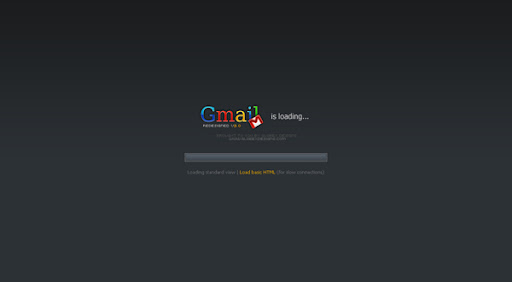
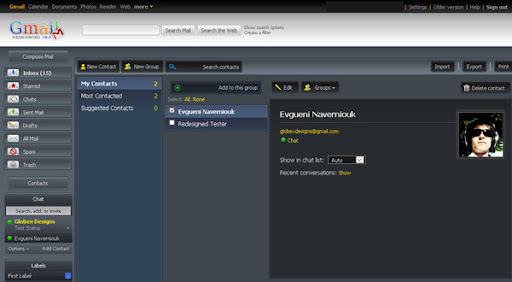
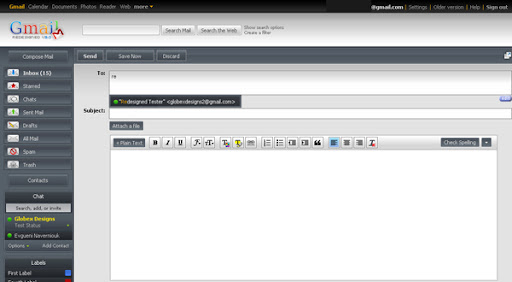
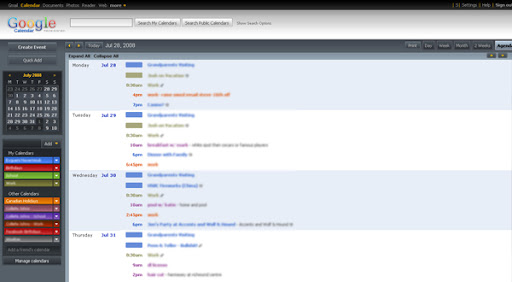
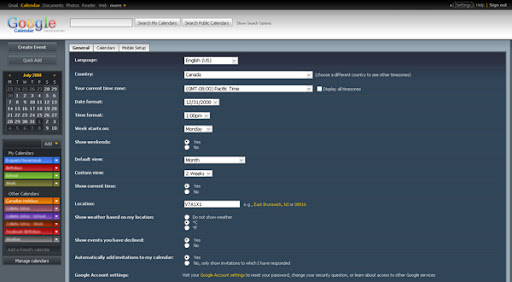
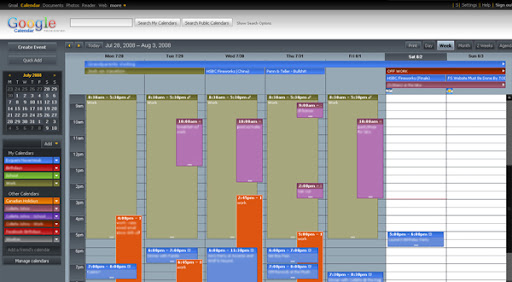
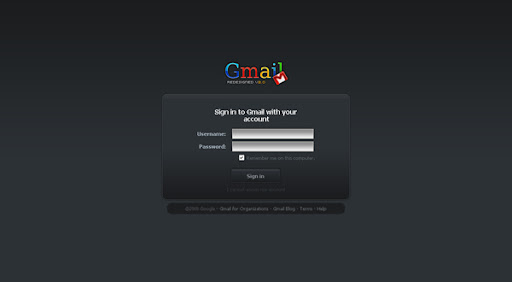
Google Redesigned is the new Firefox extension that completely redesigns popular Google services. The styles are created by Globex Designs company and the extension is released as a plug 'n play solution for the users to load and manage them easily. Google Redesigned is an Open Source project and I am leading development efforts of the extension.

Screenshots

Gmail RedesignedGmail RedesignedGmail RedesignedGmail RedesignedGmail RedesignedGmail RedesignedGcal RedesignedGcal RedesignedGcal RedesignedGcal RedesignedGcal Redesigned

Extension is supported by most of the Mozilla family browsers but Firefox 3 and Flock 2 is highly recommended to get the best performance. Just install it, restart your browser and point your browser to Gmail and Google Calendar to experience the new look 'n feel.

Thursday, July 3, 2008

I'm Feeling Lucky Problem Fix for OpenDNS users

OpenDNS is great service as providing safer and faster surfing experience for web users. However when it comes, it brings a big headache for Firefox and Flock users. You can't use I'm Feeling Lucky searches in address bar any more after registering OpenDNS. I have created an extension that will fix this problem in seconds for Firefox and Flock.

Install the extension, restart your browser and bring I'm Feeling Lucky searches back to your Firefox and Flock.

Hope it helps. Enjoy!

Related Posts:

Feeling Lucky Fixer

If you are the one searching a solution for frustrating OpenDNS problem which redirects your keywords that you type in location bar to an odd OpenDNS search page rather than to desired site, you are on the right track to fix the problem and to bring I'm Feeling Lucky searches back to your Firefox and Flock.

I have created a plug 'n play extension to fix the problem in seconds. No technical detail no dirty code. Just install it, restart your browser and continue your fun.

You may also want to install the extension from official Firefox addon site Feeling Lucky Fixer page (https://addons.mozilla.org/en-US/firefox/addon/7993).

Compatible with both Firefox and Flock.

Hope it helps. Enjoy!

Related Posts:

Wednesday, July 2, 2008

Congratulations!

You have luckily fixed I'm Feeling Lucky problem of OpenDNS. Now it is time to give a try.

Type facebook in location bar (or address bar) and press enter.

If it helped please send a comment.

Related Posts: